
Mobile App Development vs Web Development: How to Choose
Mobile app development vs web development: compare reach, cost, maintenance and time to launch, then pick the right first build for your business.

Mobile app development vs web development is not a technology debate — it is a distribution and budget decision. If your customers need to find you from a search engine, a website (or web app) wins almost every time; if they need to use your product daily and offline, on a phone, an app usually pays for itself. This guide breaks the choice down by reach, cost, maintenance and time to launch, so you can decide what to build first and what to add later.
What actually differs: reach, cost, maintenance and time to launch
Both options can look identical on a phone screen. What changes is how people find you, how updates ship, and what you pay every month to keep the thing alive.
| Factor | Website / web app | Mobile app (native or Flutter) |
|---|---|---|
| How users find you | Google, links, ads — instant | App Store / Google Play search, install required |
| Time to first launch | Often 4–10 weeks | Often 10–20 weeks including store review |
| Update cycle | Deploy anytime, users get it instantly | Store review, staged rollouts, version fragmentation |
| Device features | Camera, location, push (with limits) | Full access: camera, Bluetooth, background tasks, push |
| Offline use | Limited unless you build it | Native strength |
| Ongoing cost | Hosting, domain, maintenance | Hosting plus Apple and Google developer accounts, store upkeep |
| Distribution friction | Zero — click a link | Install, permissions, updates |
A responsive website is one codebase that runs everywhere a browser exists. A mobile app is a product you ship into two walled gardens and then maintain per platform. Neither is "better" — they answer different questions.
The three questions that decide it
- How do people discover you? If the answer is "search", "a link in an email" or "an ad", web wins. If it is "I use it every day", an app wins.
- Does the product need the phone itself? Push notifications, background sync, camera-heavy workflows and offline mode are app territory. A booking form is not.
- What is your realistic budget for year one? Not just the build — the build plus maintenance plus store overhead.
When a responsive website or PWA is the smarter first move
For most small and mid-sized businesses, the first build should be a website or a web app. Reasons:
- Zero install friction. Every visitor is already a user. No store review, no "update available" prompts.
- SEO works for you. A website can rank for what your customers type into Google. App store listings rank inside the store, not on the open web.
- One codebase, every device. A responsive site or a PWA built with React, Next.js or similar runs on desktop, Android and iOS from the same source.
- Faster feedback. You can ship a change on Tuesday and see how users react on Wednesday.
- Lower year-one cost. No Apple or Google developer accounts, no per-platform maintenance, no store compliance work.
A Progressive Web App (PWA) is the middle ground: installable from the browser, works offline for cached screens, and can send push notifications on Android and, with caveats, on iOS. If you want app-like behaviour without the stores, a PWA is often the right first step.
When a native or Flutter app pays for itself
An app earns its cost when usage is frequent and the phone's hardware or notification channel is central to the value.
Build an app when:
- Retention is the business model. Daily or weekly use — fitness, field service, internal tools, loyalty.
- Push notifications drive revenue. Re-engagement, order updates, time-sensitive offers.
- Offline or device access is mandatory. Scanners, cameras, Bluetooth hardware, spotty connectivity.
- You need store presence. Some customers still search the App Store first.
For teams that need both iOS and Android without doubling the budget, Flutter is usually the pragmatic choice: one codebase, native performance, and publishing support for both stores. Native Swift and Kotlin still make sense when you need deep platform integration or the last few percent of performance.
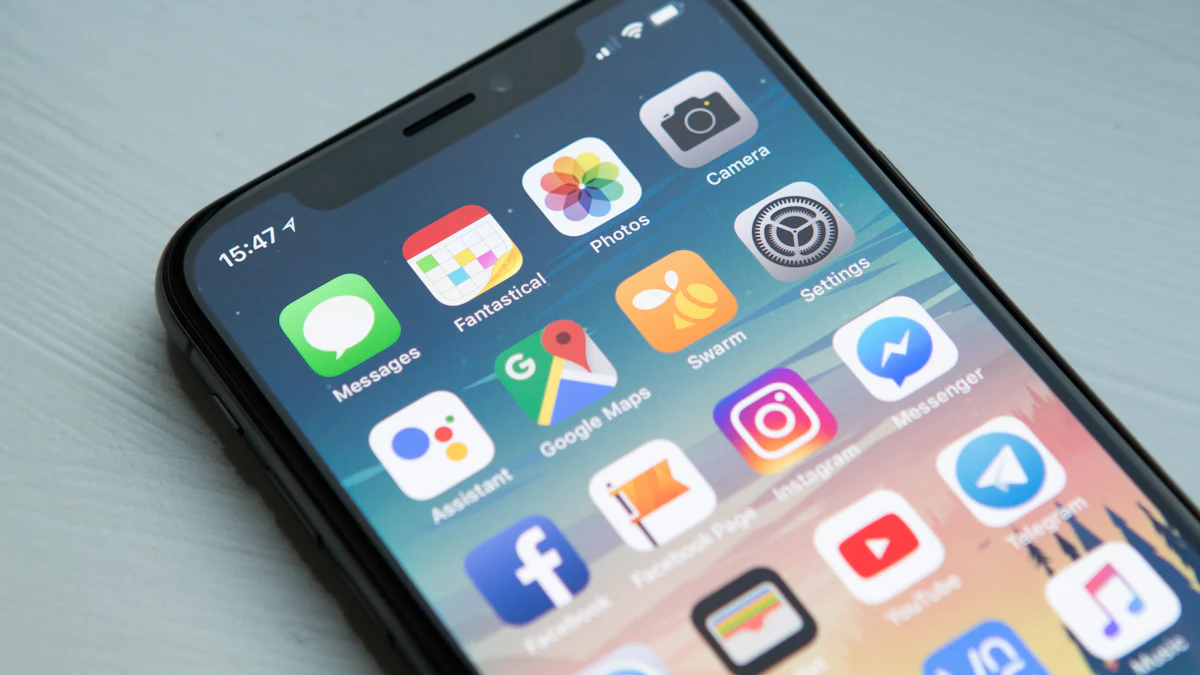
Cost and timeline comparison for a typical small-business build
Exact numbers depend on scope, but the shape of the investment is predictable.
| Build | Typical timeline | What drives cost |
|---|---|---|
| Marketing website (5–15 pages) | 4–8 weeks | Design, CMS, SEO setup, content |
| Web app / customer portal | 8–16 weeks | Auth, roles, integrations, data model |
| PWA | 10–18 weeks | Offline logic, push, installability |
| Flutter app (iOS + Android) | 12–20 weeks | Screens, device features, store publishing |
| Native iOS or Android only | 10–18 weeks per platform | Platform-specific code and maintenance |
Two costs people forget: store accounts and review cycles (an app needs Apple and Google developer accounts, and every release waits for review), and maintenance (OS updates break things; a website rarely breaks because a phone updated overnight).
Can you start with one and add the other later?
Yes — and this is usually the smartest path. A common sequence:
- Launch a website or web app to validate demand, capture leads and rank in search.
- Add a PWA layer if users want installability and push without a store.
- Build a Flutter app once you have repeat users and a clear reason for the stores.
The key is to design the backend so both front ends share it. If your data lives behind a clean API — REST or GraphQL — adding a mobile app later is an interface project, not a rewrite. If your logic is tangled into page templates, it is a rebuild. Decide the API boundary on day one and you keep both doors open.
How we scope a project and pick the stack
We start with the audience and the workflow, not the technology. In practice:
- Discovery. Who uses it, how often, on what device, and what has to happen offline?
- Stack choice. Website or CMS on WordPress or a headless CMS; web apps on React, Next.js, Vue or similar; mobile on Flutter, React Native or native Swift/Kotlin.
- Backend and data. Node.js, Laravel, Django or .NET behind a documented API, with PostgreSQL, MySQL or MongoDB as the fit requires.
- Integrations. Payments, CRM, ERP and automation tools wired in properly — Shopify, Zoho, Stripe, HubSpot and the rest.
- Ship and iterate. Launch, measure, then extend. AI features and agents can be added inside the existing product later.
You can see how we structure these engagements on our web and mobile app development page, including how we take over existing projects and keep them running.
A quick decision checklist
- Customers find you through search or links → website or web app.
- Users log in weekly and need push or offline → app.
- You need both stores on one budget → Flutter.
- You need deep platform features or maximum performance → native.
- You are not sure yet → start web, design the API, add the app later.
The honest answer to mobile app development vs web development is: pick the channel your customers already use, build the smallest version that proves the idea, and keep your backend ready for the other front end. That is a decision you can make in a week, not a bet you have to live with for years.
Related reading
- How Much Does Mobile App Development Cost? A Budget Guide
- How to Choose a Mobile App Development Company
- Native vs Cross-Platform Mobile App Development: How to Choose
- Mobile App Development Services: What's Included & Costs
- Mobile App Development Cost: What Drives the Price in 2026
- How to Choose a Web Development Company That Fits
- Web Development Company Near Me: How to Choose Right
- Mobile App Development Security Best Practices: 2026 Checklist
- Mobile App Development Best Practices: 2026 Checklist
- Mobile App Development and AI: Add AI Features
- Mobile App Development Company in the USA: How to Choose
- Best Mobile App Development Framework: How to Choose
- Web Development Company in the USA: How to Choose
- Mobile App Development Trends 2026: What Actually Matters
- Web Development Company in Houston: How to Choose
- Custom Shopify App Development Services: What You Get
- Web Development Company in New York: How to Choose
- Shopify Custom App Development Company: What to Look For
- Web Development Company in Kolkata: How to Choose
- Web Development Company in Bangalore: How to Choose
- Does Shopify Allow Custom App Development? Rules & Dev Dashboard
Frequently asked questions
Is a mobile app better than a website for a small business?
Not automatically. A website reaches everyone instantly and can rank in Google, which matters most for discovery. An app is better when customers use your product frequently and need push notifications, offline access or device features. Many businesses start with a website or PWA and add an app once they have repeat users.
How much longer does an app take to build than a website?
A typical marketing website ships in 4–8 weeks. A Flutter app for iOS and Android usually takes 12–20 weeks including store review, and a native app per platform takes 10–18 weeks per platform. The extra time comes from screens, device features and publishing.
What is a PWA and is it a good compromise?
A Progressive Web App is a website that can be installed from the browser, works offline for cached screens and can send push notifications. It gives you app-like behaviour without the App Store or Google Play, which makes it a strong first step before committing to a full app.
Should I build for iOS first or Android first?
It depends on your audience. If your customers are mostly in markets where Android dominates, start there; if you sell to businesses or premium consumer segments, iOS often comes first. Building with Flutter lets you ship both from one codebase and avoid choosing.
Can I add a mobile app later if I start with a website?
Yes, if you plan for it. Keep your business logic behind a clean REST or GraphQL API so the app becomes a new front end rather than a rewrite. If logic is buried in page templates, adding an app later means rebuilding.
Do you build both websites and mobile apps?
Yes. We build websites, web apps, customer portals and iOS/Android apps, and we choose the stack to fit your audience, budget and existing systems — Flutter, React Native or native, with a backend that serves both.
Not sure whether to build an app or a website first?
Tell us who your users are and what the product has to do. We will recommend the smallest build that proves the idea, with a clear path to the other front end later.