
Mobile App Development Services: What's Included & Costs
Mobile app development services cover discovery, UX, build, QA, store publishing, backend integrations, and ongoing support. Learn what to ask for and how to scope.
Mobile app development services cover everything from the first workshop to the app's first update: discovery, UX design, iOS and Android build, backend and APIs, QA, App Store and Google Play publishing, and ongoing support. If you are comparing quotes that only mention "development," you are probably missing the parts that decide whether the app ships on time and keeps working after launch. This guide explains what a complete service includes, what to ask for, and how to scope a project realistically.
What a full mobile app development service covers
A serious mobile app development services engagement has five phases. Ask any provider to map their quote to these, because gaps here become change orders later.
- Discovery and scoping. Workshops to define users, core jobs-to-be-done, must-have vs. later features, and success metrics. Output: a feature list, a rough timeline, and a technical approach.
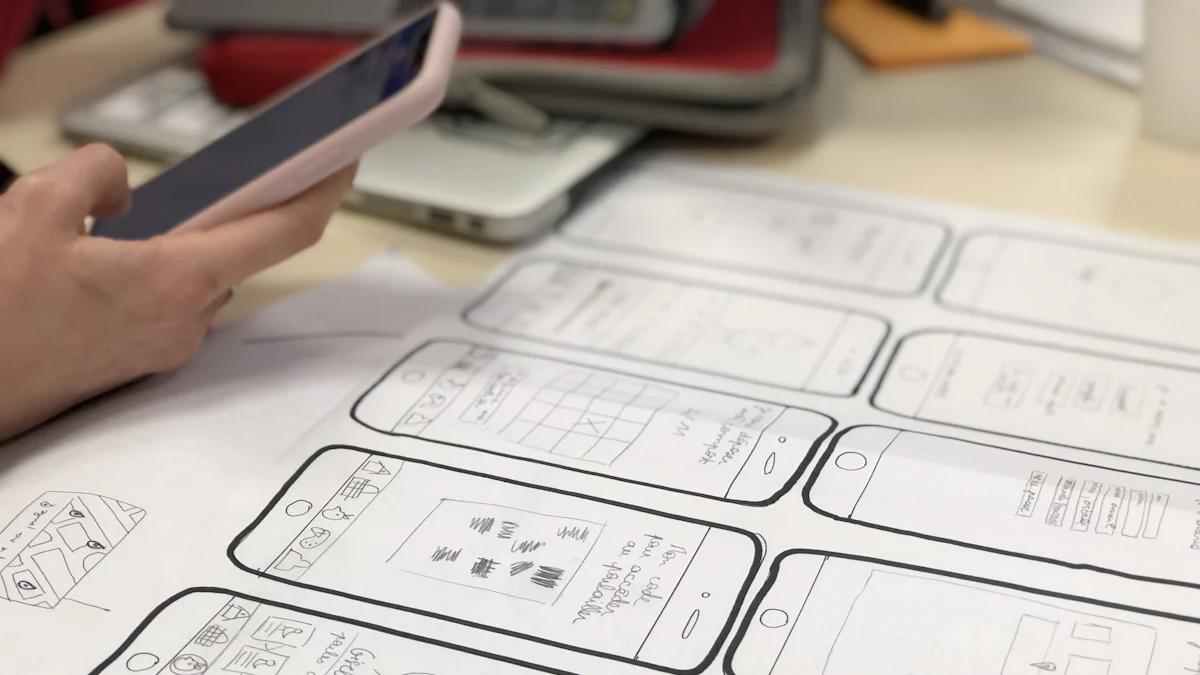
- UX and UI design. User flows, wireframes, clickable prototype, then high-fidelity screens and a design system. You approve the prototype before code starts.
- Build. Front end (the app itself) and back end (APIs, database, admin tools) developed in parallel, with a demo build you can install on a test device every week or two.
- QA and release prep. Functional testing, device testing, crash and performance checks, store assets (icons, screenshots, descriptions, privacy details), and a TestFlight or internal-track build for real users.
- Launch and aftercare. Submission to the App Store and Google Play, monitoring, and a maintenance plan for OS updates, dependency upgrades, and bug fixes.
If a proposal skips phases 1, 4, or 5, treat that as a warning sign.
What "build" actually means
For most business apps, the code is split roughly 30% app interface and 70% backend, integrations, and admin tooling. That backend is what makes the app useful: user accounts, data storage, notifications, payments, and connections to the systems you already run.
Backend, APIs and integrations your app will need
A mobile app is rarely standalone. Before you approve a build, decide how it will talk to the rest of your stack.
- Authentication. Email/password, magic link, or social sign-in (Apple, Google). Plan for password reset and account deletion from day one.
- Database and APIs. REST or GraphQL endpoints, usually backed by PostgreSQL, MySQL, MongoDB, or Firebase. Decide who hosts it and who pays for it.
- Payments. Stripe or PayPal for cards; in-app purchases via Apple and Google if you sell digital content inside the app.
- Push notifications. Firebase Cloud Messaging or OneSignal, plus a plan for who writes and sends them.
- CRM and business systems. Sync leads, orders, or tickets to Zoho CRM, Salesforce, or HubSpot. This is often the difference between an app that looks nice and one that saves your team hours.
- Analytics and crash reporting. Firebase Analytics, Mixpanel, or Amplitude, plus Sentry or Crashlytics.
- Admin panel. A web dashboard so your team can manage content, users, and orders without calling a developer.
A quick integration checklist
| Question | Why it matters |
|---|---|
| Which systems must the app read from or write to? | Drives API work and timeline |
| Who owns the API keys and accounts? | You should, not the agency |
| What happens if an integration fails? | Needs retries and error handling |
| Is there an existing backend we can reuse? | Can cut weeks off the build |
iOS, Android, PWA or all three: choosing the right delivery
This is the decision that most affects cost and timeline, so make it early.
- Cross-platform (Flutter, React Native). One codebase, two stores. Best default for most business apps: faster to build, cheaper to maintain, near-native performance for typical forms, lists, and dashboards.
- Native iOS (Swift/SwiftUI) and native Android (Kotlin/Jetpack Compose). Two codebases, maximum performance and platform polish. Worth it for heavy media, AR, complex animations, or deep hardware access.
- PWA (progressive web app). Installable web app, no store approval, instant updates. Good for internal tools and content-first products; weaker for push and offline use.
How to decide
- Need both stores and a normal feature set? Cross-platform.
- Need one platform first? Build that one, keep the code portable.
- Need to validate an idea cheaply? Start with a PWA or a clickable prototype.
If you are also planning a web presence, our website and mobile app development services cover both sides in one engagement.
Publishing to the App Store and Google Play, and what happens after launch
Publishing is a project in itself, and it is where many first-time launches stall.
- Apple App Store. Requires an Apple Developer account, app record, screenshots for required sizes, privacy nutrition labels, and review (typically 24–48 hours, longer if rejected). Common rejection causes: incomplete metadata, login required without a demo account, and unclear in-app purchase rules.
- Google Play. Requires a Google Play Console account, store listing, content rating questionnaire, data safety form, and a closed or open testing track before production.
- After approval. Monitor crashes, watch reviews, and plan your first update within 4–6 weeks to fix what real users find.
What most quotes leave out
- Store account setup and submission fees (paid by you, not the agency).
- Screenshots and store copywriting.
- Post-launch monitoring and crash triage.
- OS version upgrades (Apple and Google ship major releases every year).
Maintenance, updates and support
Apps are not websites: they live on devices you do not control, and both platforms push breaking changes annually. A realistic maintenance plan covers:
- OS and SDK updates so the app keeps working on new iOS and Android versions.
- Dependency and security patches for libraries and backend services.
- Bug fixes with a response-time target (for example, critical issues within one business day).
- Small feature work — a monthly allowance of hours is usually cheaper than re-quoting every change.
- Monitoring and backups for the backend, database, and API keys.
Ask for this as a separate line item. If a provider will not offer ongoing support, budget for finding another one later.
How to scope your project and get a realistic estimate
You do not need a technical spec to get a useful quote. You need answers to six questions:
- Who are the primary users, and what is the one job they must complete in the app?
- Which platforms matter at launch — iOS, Android, or both?
- Which existing systems must the app connect to (CRM, ERP, e-commerce, payments)?
- Who will manage content and users after launch, and through what interface?
- What is your target launch window, and is it tied to a hard date?
- What is your budget range for the first release, and for annual maintenance?
With those answers, a provider can give you a phased estimate: discovery and prototype first, then a fixed scope for the first release, then a monthly support figure. That structure protects you from a single opaque number and lets you stop after the prototype if the direction is wrong.
A simple scoping checklist
- Core user job written in one sentence
- Must-have vs. later feature list agreed
- Platforms chosen (iOS, Android, PWA)
- Integrations listed with owners for each account
- Store accounts created in your name
- Maintenance and support terms in writing
- Data ownership and exit terms confirmed
Bring this list to any provider — including us — and you will get a clearer, more comparable quote.
Related reading
Frequently asked questions
What is included in mobile app development services?
A complete service includes discovery and scoping, UX/UI design, front-end and back-end development, QA and device testing, App Store and Google Play submission, and post-launch maintenance. If a quote only mentions coding, ask who handles design, store publishing, and updates.
How long does it take to build a mobile app?
A focused first release for one platform typically takes 8–16 weeks from kickoff, depending on integrations and how much design work is needed. Cross-platform builds (Flutter, React Native) usually ship faster than two separate native codebases.
Should I build for iOS, Android, or both?
Most business apps should start cross-platform to cover both stores with one codebase. Choose native when you need heavy media processing, AR, or deep hardware access. A PWA is a good option for internal tools or when you want to validate an idea before investing in store apps.
Who owns the app code and the store accounts?
You should. The Apple Developer and Google Play accounts, API keys, and source code should all be in your name or transferred to you at the end of the project. Confirm this in writing before you sign.
What does maintenance cost after launch?
Plan for an ongoing monthly allowance covering OS updates, dependency patches, bug fixes, and small feature work. Apple and Google release major OS versions yearly, so an unmaintained app can break within 12 months.
Can you integrate the app with our CRM or e-commerce store?
Yes. We connect apps to Zoho CRM, Salesforce, HubSpot, Shopify, and custom backends via REST or GraphQL APIs. This is often the part that delivers the most operational value, so list your systems during scoping.
Ready to scope your mobile app?
Tell us your users, platforms, and integrations. We'll come back with a phased plan: discovery and prototype first, then a clear scope for your first release.