
Shopify App Pricing: Plan Feature Targeting Explained
Shopify app pricing changes affect what merchants pay and what app owners can charge. Learn plan feature targeting, compare models, and decide when a custom app wins.

Shopify app pricing plan feature targeting lets app developers charge different prices based on the features a merchant needs, not just the size of their store. For merchants, it means you can buy only the features you use; for app owners, it means you can segment customers and price more precisely. This guide explains how plan feature targeting works, how it affects what you pay, and how to structure billing for a custom Shopify app.
If you are building a custom app or need help with Shopify app billing, our Shopify app development service covers private and public apps, including subscription and usage-based billing.
What plan feature targeting changes in Shopify app billing
Plan feature targeting is Shopify's way of letting app developers define multiple plans with different feature sets and prices, then target those plans to specific merchants or store types. Instead of one price for everyone, an app can offer a basic plan with core features and a pro plan with advanced features, and the developer can control which merchants see which plan.
For merchants, this means the Shopify App Store listing may show multiple plans with clear feature lists. You pick the plan that matches your needs. For app owners, it means you can test pricing, offer introductory plans, or create custom plans for enterprise merchants without building separate apps.
How it works under the hood
Shopify's billing API supports recurring charges, usage charges, and one-time charges. Plan feature targeting builds on this by letting developers define plan groups and assign features to each plan. When a merchant installs the app, Shopify checks the merchant's eligibility and shows the appropriate plans.
Developers can target plans by store plan (Basic, Shopify, Advanced), store type (development, trial), or specific merchant IDs. This is useful for beta testing or for offering custom pricing to high-volume merchants.
What merchants see
On the App Store listing, merchants see a pricing section with plan names, prices, and feature lists. After installing, they can choose a plan and approve the recurring charge. If the app uses usage-based billing, merchants see a capped or uncapped usage charge on their Shopify invoice.
Merchants can change plans from the Shopify admin under Apps and sales channels. The app should handle plan changes gracefully, including prorating charges if needed.
How merchants see and compare app plans after the update
After the update, merchants see more granular plan information. Here is what to check when comparing apps:
- Feature lists per plan: Look for clear descriptions of what each plan includes. Avoid apps that hide key features behind vague labels.
- Price tiers: Compare the cost per feature. A higher-priced plan may be worth it if it includes features you would otherwise pay for separately.
- Usage limits: Some plans include a set number of orders, emails, or API calls. Check what happens when you exceed the limit.
- Trial periods: Many apps offer a free trial. Use it to test the features you need.
- Billing frequency: Most apps bill monthly, but some offer annual discounts. Check the terms.
Use the comparison table below as a checklist when evaluating Shopify apps.
| What to compare | Why it matters | Red flags |
|---|---|---|
| Feature list per plan | Ensures you pay only for what you use | Vague descriptions like "advanced features" |
| Price per tier | Budget planning | Hidden fees or mandatory add-ons |
| Usage limits | Avoid surprise overage charges | No clear overage policy |
| Trial length | Time to test integration | Short trials for complex apps |
| Billing frequency | Cash flow planning | No annual option |
| Support level | Help when you need it | No support included in basic plan |
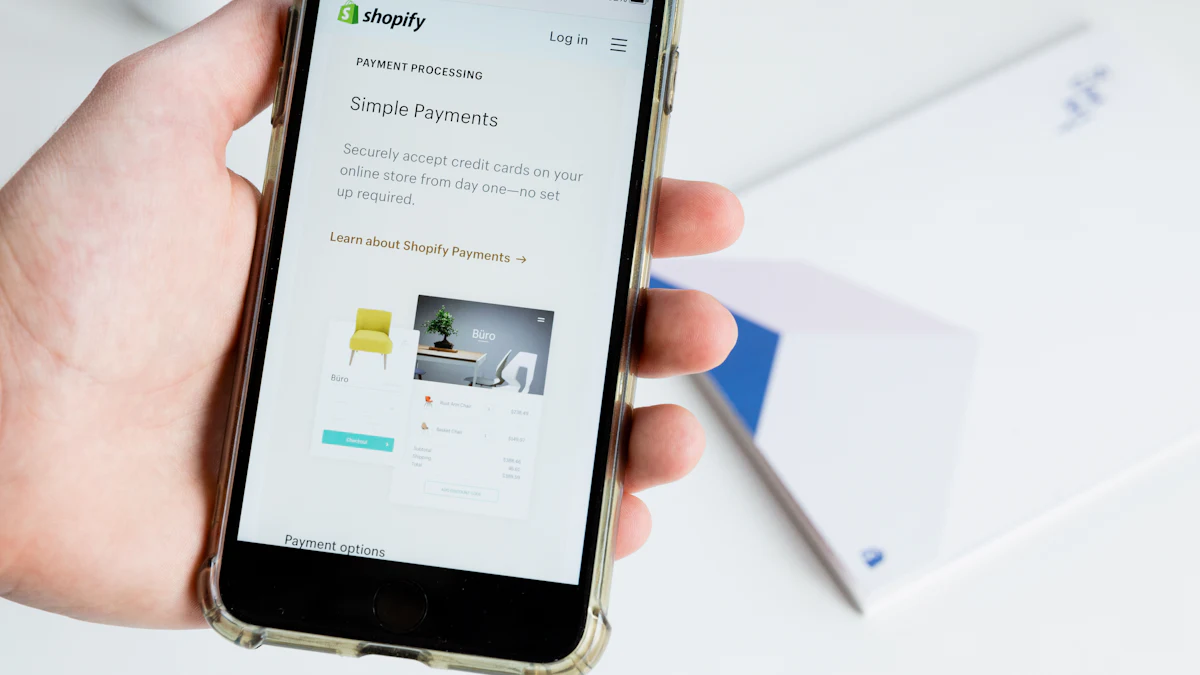
Pricing models that work: flat, usage-based, feature-gated
There is no one-size-fits-all pricing model. The right choice depends on your app's value proposition and your customers' behavior. Here are three common models and when to use them.
Flat pricing
One price for all features, often with a free trial. Simple for merchants to understand and for developers to manage. Works well for apps with a single core value, like a SEO audit tool or a chat widget. The downside is that you may leave money on the table from high-usage merchants or lose price-sensitive small stores.
Usage-based pricing
Charge based on consumption, such as number of orders synced, emails sent, or API calls. This aligns cost with value and scales with the merchant's business. Shopify supports usage charges with a capped amount. Merchants like it because they pay for what they use, but they also want predictability, so set clear caps and alerts.
Feature-gated pricing
Different plans unlock different features. This is where plan feature targeting shines. You can create a basic plan with core features and a pro plan with advanced features like AI insights, multi-store support, or priority support. Merchants upgrade when they need the feature, not just because they hit a volume limit.
A hybrid model often works best: a base subscription fee plus usage charges for overages. For example, a base plan includes 1,000 orders per month, and additional orders are billed at a set rate.
When designing pricing for a custom app, consider the merchant's total cost of ownership. A higher price with better features may be more cost-effective than a cheap app that requires add-ons.
When a custom private app beats a subscription app
Subscription apps from the Shopify App Store are great for common needs: email marketing, reviews, loyalty programs. But they have limitations:
- Limited customization: You cannot change core features or integrations.
- Data ownership: Your data lives in the app's servers, not yours.
- Recurring costs: You pay monthly forever, even if you use only a fraction of the features.
- Integration complexity: Connecting the app to your ERP, CRM, or custom systems may require workarounds.
A custom private app is built for your specific workflow. You own the code and data, and you can integrate directly with your systems. Pricing is typically a one-time development cost plus hosting and maintenance, which can be more predictable than recurring subscriptions.
Consider a custom app when:
- You need deep integration with Zoho, ERP, or custom databases.
- You have unique business logic that no off-the-shelf app supports.
- You want to avoid per-order or per-user fees that grow with your business.
- You need full control over data security and compliance.
For example, a merchant using Zoho CRM and Shopify might need real-time sync of customers, orders, and inventory. A subscription app may sync basic data but charge per order or limit records. A custom app can sync exactly what you need, when you need it, without per-record fees. Our Zoho consulting and implementation team builds these integrations regularly.
Custom apps still use Shopify's billing API if you want to charge for them, but many merchants build private apps for internal use and do not charge.
Checklist before you change your app's pricing
If you are an app owner planning to change pricing or introduce plan feature targeting, follow this checklist to avoid surprises.
- Understand your costs: Calculate hosting, support, and development costs per merchant. Ensure your new pricing covers them.
- Analyze usage data: Look at how merchants use your app. Which features are most used? Where do heavy users cost you more?
- Segment your customers: Identify small, medium, and large merchants. Plan feature targeting lets you offer different plans to each segment.
- Test with a small group: Use plan feature targeting to offer new pricing to a subset of merchants before rolling out widely.
- Communicate clearly: Announce changes in advance. Explain what changes and why. Offer a grace period if possible.
- Update your App Store listing: Ensure plan names, features, and prices are accurate. Use screenshots and descriptions to clarify.
- Handle plan changes gracefully: Allow merchants to upgrade or downgrade without losing data. Prorate charges fairly.
- Monitor churn and feedback: After the change, track cancellations and support tickets. Adjust if needed.
For custom app billing, work with your developer to define plans that match your business model. If you need help, contact us to discuss your requirements.
Changing pricing is a strategic decision. Plan feature targeting gives you the flexibility to experiment and segment, but it requires clear communication and a solid understanding of your value proposition. Merchants should compare plans carefully and consider custom apps when subscription models do not fit.
Related reading
Frequently asked questions
What is plan feature targeting in Shopify app pricing?
Plan feature targeting lets app developers create multiple plans with different features and prices, and control which merchants see which plan. Merchants see plans tailored to their store size or needs.
How do I compare Shopify app plans?
Check the feature list per plan, price tiers, usage limits, trial length, billing frequency, and support level. Use the comparison table in this guide as a checklist.
When should I choose a custom Shopify app over a subscription app?
Choose a custom app when you need deep integration with systems like Zoho or ERP, unique business logic, full data ownership, or want to avoid recurring per-order fees.
Can I change my Shopify app plan later?
Yes, most apps allow you to upgrade or downgrade from the Shopify admin. Check the app's terms for prorating and data retention.
How does usage-based billing work in Shopify apps?
Usage-based billing charges based on consumption, such as orders synced or API calls. Shopify supports capped usage charges so you can set a maximum.
Need help with Shopify app pricing or a custom app?
We build custom Shopify apps with clear pricing and integrate with Zoho, ERP, and other systems. Get a free consultation.