
Shopify POS UI Extensions: Reactive Storage Access
Reactive storage access in Shopify POS UI extensions changes how your app tracks state. Here is what it means, the patterns that now work, and the pitfalls.
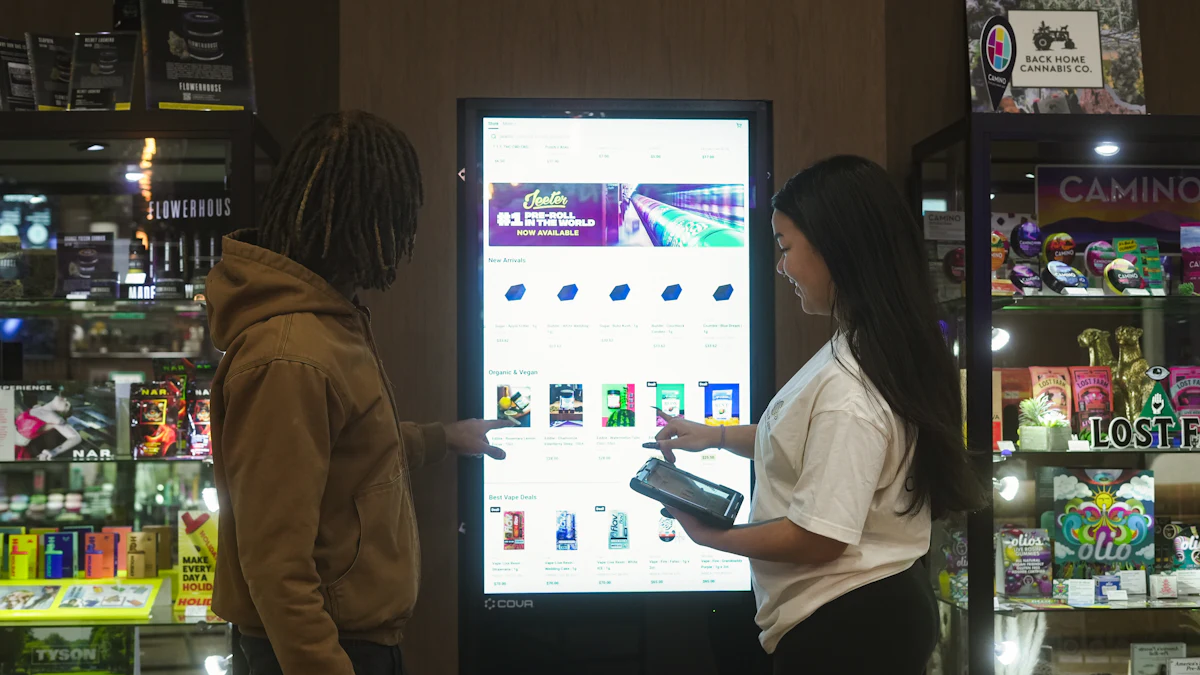
Reactive storage access in Shopify POS UI extensions lets your extension read and watch stored values so the UI updates when data changes, instead of polling or re-rendering blindly. If you are building a POS app, this changes how you model state: one source of truth, subscribed to, rather than copied into local component state and kept in sync by hand.
This article explains what reactive storage access means in practice, compares the old and new state patterns, walks through wiring it into a POS extension, and lists the pitfalls that cause flaky POS apps. If you would rather hand the build to a team that ships Shopify apps, see our Shopify app development service.
What reactive storage access means for POS UI extensions
A POS UI extension runs inside Shopify POS, not in a page you control. It renders targets (like a smart grid tile, a modal, or a menu item action) and it needs to persist small pieces of state: a cart draft, a selected staff member, a loyalty balance, a device preference.
Storage in this context is a key-value store scoped to your extension. Reactive access means you subscribe to a key and get notified when its value changes, so the extension re-renders with fresh data. Without reactivity you read once, hold the value in memory, and hope nothing else wrote to that key.
Two things make this matter more in POS than on a web page:
- Multiple surfaces. A tile and a modal can both be open and both care about the same key. Reactive reads keep them consistent.
- Multiple writers. An action handler, a background API call, and a second device session can all write. A subscription is the only reliable way to see those writes.
The mental model: storage is the source of truth
Treat the extension's storage as the database and your component state as a cache of it. Every write goes through storage. Every read is a subscription. If you can describe your extension that way, reactive storage access is doing its job.
Before vs after: state handling patterns that now work
Most bugs in POS extensions come from state that lives in two places. Here is the shift.
| Concern | Without reactive storage | With reactive storage access |
|---|---|---|
| Reading a value | One-off read, cached in memory | Subscribe, receive updates |
| Cross-surface sync | Manual events or polling | Automatic via subscription |
| Stale UI after a write | Common; needs a manual refresh | Re-render on change |
| Multiple writers | Last write wins silently | Every writer is observed |
| Cleanup | Easy to forget | Unsubscribe on unmount |
| Testing | Hard to simulate changes | Write to the key in a test |
Patterns that become practical:
- Draft carts that survive navigation. The cart draft lives in storage; the tile and the modal both subscribe. Closing the modal does not lose the draft.
- Optimistic writes with reconciliation. Write the optimistic value, subscribe, and let the server response overwrite it. The UI corrects itself without a manual refetch.
- Shared selection across targets. A staff member picked in one target is visible in another because both watch the same key.
- Feature flags and device settings. Toggle a flag in storage and every open surface reacts, which is useful during staged rollouts.
Patterns that do not get better: storing large blobs, storing secrets, or using storage as an event bus for high-frequency writes. Keep values small and writes deliberate.

Code walkthrough: wiring reactive storage into a POS extension
Below is the shape of the pattern, not a copy-paste API reference. Check the current Shopify POS UI extensions documentation for exact method names and hook signatures, since the surface evolves.
Step 1: define your keys in one place
// storage-keys.ts
export const KEYS = {
  cartDraft: 'cart:draft',
  staffId: 'session:staffId',
  loyaltyBalance: 'loyalty:balance',
} as const;
One module, one naming convention. When you debug later, you will thank yourself.
Step 2: subscribe, do not read once
import { useEffect, useState } from 'react';
import { storage } from '@shopify/pos-ui-extensions';
import { KEYS } from './storage-keys';

export function useStoredValue<T>(key: string, fallback: T) {
  const [value, setValue] = useState<T>(fallback);

  useEffect(() => {
    let active = true;
    const unsubscribe = storage.subscribe(key, (next) => {
      if (active) setValue((next as T) ?? fallback);
    });

    return () => {
      active = false;
      unsubscribe();
    };
  }, [key]);

  return value;
}
The cleanup matters. A subscription that outlives its component is the most common source of duplicate writes and memory growth in POS extensions.
Step 3: write through a single function
async function saveCartDraft(draft: CartDraft) {
  await storage.set(KEYS.cartDraft, draft);
}
Do not call storage.set from five places with five different shapes. One writer function per key keeps the data contract honest and makes it trivial to add validation or a server sync later.
Step 4: reconcile with the backend
Local storage is fast but not authoritative. For anything financial or inventory-related, write locally for responsiveness, then confirm with your backend and write the confirmed value back. Because the UI is subscribed, the correction appears without a manual refresh.
Step 5: test the transitions
In tests, write to the key and assert the component re-renders. That single test catches most reactivity regressions, and it is far cheaper than reproducing them on a physical POS device.
Common pitfalls and performance considerations
Subscribing to too much. One subscription per key, not one per component instance where you can avoid it. If ten tiles each subscribe to the same key, you have ten re-render paths.
Writing on every keystroke. Debounce writes from text inputs. Storage writes are not free, and neither is the re-render they trigger.
Storing derived data. Store the inputs, derive the rest in the component. Storing a computed total invites drift when one input changes.
Ignoring the offline case. POS devices lose connectivity. Decide per key whether it is local-only, synced, or server-authoritative, and make that explicit in the key name or a comment.
No schema version. Add a version field to stored objects. When you ship a change, you can migrate instead of crashing on old shapes.
Secrets in storage. Do not put tokens or customer PII in extension storage. Keep them server-side.
Forgetting multi-device. Two registers in the same store can write the same key. If that is possible in your app, design for conflict resolution rather than assuming a single writer.
No observability. Log write failures. A silent failed write looks exactly like a UI bug to a merchant.
A quick checklist before you ship:
- Every key is defined in one module
- Every read is a subscription with cleanup
- Every write goes through one function per key
- Stored objects carry a schema version
- No secrets or PII in storage
- Debounce on high-frequency inputs
- Tests cover write-then-render
When to hire a Shopify app developer for POS extensions
Reactive storage access removes a class of bugs, but it does not remove the design work: deciding what is authoritative, how conflicts resolve, and what happens when the network drops. Those decisions are where POS apps succeed or fail at the counter, in front of a customer.
Bring in help when:
- You are extending an existing app to POS and the current state model assumes a single browser tab.
- You need offline-tolerant behaviour and are unsure which keys can be local-only.
- You are shipping to multiple stores or registers and need conflict handling.
- Your team has not built POS UI extensions before and the deadline is real.
We build Shopify apps, including custom private and public apps, store automation and integrations. If you want a second opinion on your state model or a full build, our team can help. You can also compare what we ship on the products page.
Start with the smallest possible state model: a handful of keys, one writer per key, subscriptions everywhere. That is the version of a POS extension that merchants trust at the counter.
Related reading
Frequently asked questions
What is reactive storage access in Shopify POS UI extensions?
It means your extension subscribes to a stored key and is notified when its value changes, so the UI updates automatically. Instead of reading once and caching in memory, you treat extension storage as the source of truth and your component state as a cache of it.
Why does reactive storage matter more in POS than on a website?
POS extensions render across several surfaces, such as tiles, modals and menu actions, and multiple writers can touch the same key. A subscription is the reliable way to keep those surfaces consistent without manual refreshes or polling.
Can I use extension storage as my main database?
No. Keep values small and non-sensitive, and treat anything financial or inventory-related as server-authoritative. Write locally for responsiveness, confirm with your backend, then write the confirmed value back so the subscribed UI corrects itself.
What is the most common mistake with POS extension storage?
Forgetting to unsubscribe on unmount, and writing to the same key from several places with different data shapes. One writer function per key plus proper cleanup removes most of these bugs.
How do I test reactive storage behaviour?
Write to the key in a test and assert that the component re-renders with the new value. That single test catches most reactivity regressions far more cheaply than reproducing them on a physical POS device.
Building a Shopify POS extension?
Tell us what your extension needs to store and sync. We will review your state model and help you ship a POS app merchants can rely on.