
Mobile App Development: How to Start (Founder's 90-Day Plan)
A practical 90-day plan for founders: validate your idea, choose the right platform, scope an MVP, budget realistically, and brief a development partner.
So you want to build a mobile app but don't know where to begin. Mobile app development: how to start is really about making a series of small, reversible decisions before you spend big. This guide gives you a concrete 90-day plan: validate the idea, pick the right platform, scope an MVP, set a realistic budget, and brief a development partner. Follow it and you'll arrive at a build-ready brief instead of a vague idea.
We've helped founders and teams through this process many times. The pattern is consistent: those who invest two weeks in validation and scoping save months of rework. Let's walk through it.
Validate the idea before you write code
Before you think about features or frameworks, answer these questions honestly:
- What specific problem does the app solve? Write it in one sentence. If you can't, you're not ready.
- Who has this problem? Talk to at least 10 potential users. Ask how they solve it today and what it costs them.
- Why an app? Could a mobile-friendly website or a simple form do the job? Apps are expensive; make sure the native capabilities (camera, GPS, push notifications, offline access) are essential.
- What's the smallest thing you can build to test demand? Often it's a landing page with a waitlist or a manual concierge service.
If you're building for a business (internal tool, field service, e-commerce companion), validate with the people who will use it daily. Watch them work. The app should remove a clear friction point.
The one-week validation sprint
- Draft a one-page concept: problem, solution, target user, key metric.
- Interview 10 potential users (30 minutes each).
- Build a clickable prototype (Figma or even paper) and test it with 5 people.
- Decide: proceed, pivot, or stop.
This sprint costs almost nothing and prevents the most common failure: building something nobody wants.
Choose the platform: native vs cross-platform
For most startups and business apps, cross-platform is the pragmatic choice. Flutter and React Native let you ship to iOS and Android from one codebase, cutting development time and cost. Native (Swift for iOS, Kotlin for Android) makes sense when you need maximum performance, deep platform integration, or you're building a graphics-intensive game.
Here's a quick comparison:
| Factor | Flutter / React Native | Native (Swift / Kotlin) |
|---|---|---|
| Cost & speed | Lower, faster to market | Higher, slower |
| Performance | Near-native for most apps | Best possible |
| Access to device features | Good, with plugins | Full, immediate |
| Team skills | One team for both platforms | Separate iOS and Android teams |
| Best for | MVPs, business apps, e-commerce | Games, AR, heavy media, platform-specific features |
At Digital Executive Partner we build with Flutter for cross-platform apps and native when the use case demands it. The right choice depends on your budget, timeline, and feature set—not on hype.
What about PWAs?
Progressive Web Apps can be a cost-effective first step if your app is content-heavy or doesn't need push notifications or offline storage. But if you need App Store presence or deep device integration, go native or cross-platform.
Scope an MVP: what to include and what to cut
An MVP (minimum viable product) is the smallest app that delivers core value and lets you learn from real users. It is not a stripped-down version of your full vision; it's a focused test of your riskiest assumption.
Start by listing every feature you can imagine. Then ruthlessly prioritise:
- Must-have: Without this, the app doesn't solve the core problem.
- Nice-to-have: Adds value but can wait for v2.
- Out of scope: Everything else.
A typical MVP includes:
- User authentication (sign-up/login)
- Core action (e.g., booking, ordering, tracking)
- Basic profile or settings
- Push notifications (if essential)
- Analytics to measure usage
Cut social sharing, advanced search, gamification, and elaborate onboarding for v2. You can add them once you have users.
Phasing v2 and beyond
Plan your roadmap in phases. Phase 1 (MVP) should take 8–12 weeks. Phase 2 adds features based on user feedback. This approach spreads cost and reduces risk.
Budget and timeline: what drives cost
App development cost varies widely. The main drivers are:
- Number of platforms: iOS + Android (cross-platform is cheaper than two native apps).
- Feature complexity: Real-time sync, payments, maps, chat, and AI add cost.
- Backend requirements: Do you need a custom API, database, and admin panel? Often yes.
- Design: Custom UI/UX vs a template.
- Integrations: Connecting to CRM, ERP, or e-commerce platforms.
- Team location and model: Freelancers vs agency vs in-house.
As a rough guide, a simple MVP with basic features might range from $15,000 to $40,000. More complex apps with integrations and custom backends can exceed $80,000. Timelines: 8–16 weeks for an MVP, depending on scope and team availability.
We recommend getting a fixed-scope quote from a partner. At Digital Executive Partner, we provide transparent estimates after a discovery call. See how we build mobile apps.
Hidden costs to plan for
- App Store and Google Play developer accounts (annual fees)
- Backend hosting and maintenance
- Third-party services (push notifications, analytics, maps)
- Updates for new OS versions
- Marketing and user acquisition
How to brief and vet a development partner
A good brief saves time and money. Include:
- Project overview: Problem, target users, core value proposition.
- Feature list: Prioritised (must-have, nice-to-have).
- Platforms: iOS, Android, or both; cross-platform preference.
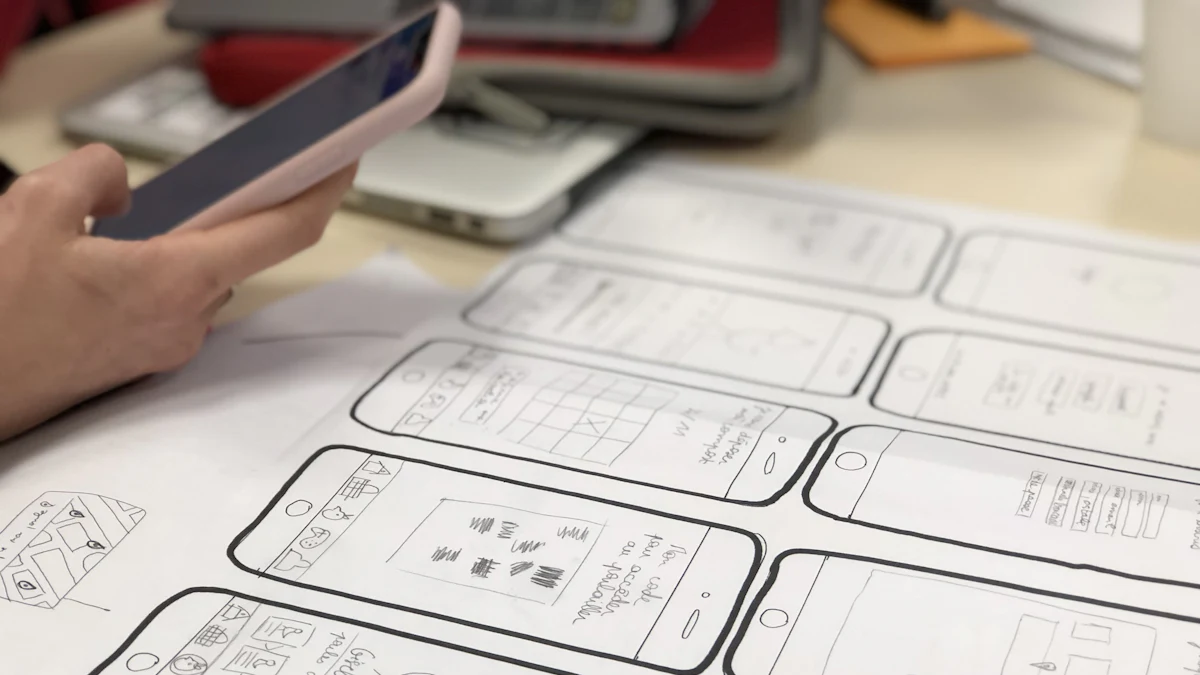
- Design assets: Brand guidelines, wireframes, or examples you like.
- Integrations: Existing systems (CRM, ERP, payment gateways).
- Budget range and timeline: Be honest; it helps partners propose the right solution.
- Success metrics: How you'll measure success.
When vetting partners, ask:
- Can you share references for similar apps?
- Who will be my point of contact?
- What is your development process (Agile, Waterfall)?
- How do you handle changes and testing?
- What happens after launch (support, maintenance)?
Red flags: reluctance to provide references, vague timelines, no clear contract, or promises that seem too good to be true. Always sign a contract that covers scope, deliverables, payment schedule, intellectual property, and confidentiality.
At Digital Executive Partner, we follow a transparent process: discovery, design, development, testing, launch, and support. Learn more about our process.
Launch checklist: App Store, Google Play, and beyond
Before you submit to the stores, ensure you have:
- Developer accounts for Apple and Google.
- App store listing: Title, description, screenshots, and a privacy policy URL.
- Testing: Beta test with TestFlight (iOS) and internal testing (Android).
- Analytics: Integrate Firebase Analytics or similar to track user behaviour.
- Crash reporting: Tools like Sentry or Crashlytics.
- Backend monitoring: Uptime and performance monitoring.
- Support plan: How will you handle user queries?
App review can take a few days; build in buffer time. After launch, monitor reviews and usage data, and plan your first update within 4–6 weeks.
Post-launch support
Budget for ongoing maintenance: bug fixes, OS updates, and small enhancements. Many partners offer retainer plans. Don't neglect this; an unmaintained app quickly becomes a liability.
Your 90-day action plan
Here's how to structure the next three months:
Days 1–14: Validate
- Conduct user interviews.
- Define the core problem and solution.
- Build a prototype and test it.
Days 15–30: Scope and plan
- Prioritise features for MVP.
- Choose platform (cross-platform vs native).
- Draft a brief and budget.
Days 31–60: Design and develop
- Select a development partner.
- Finalise UI/UX design.
- Begin development sprints.
Days 61–90: Test and launch
- Conduct beta testing.
- Prepare store listings.
- Submit to App Store and Google Play.
- Launch and monitor.
This plan is aggressive but achievable for a focused MVP. Adjust based on your complexity and team.
Final thoughts
Starting mobile app development doesn't have to be overwhelming. By validating first, choosing the right platform, scoping tightly, and partnering with an experienced team, you set yourself up for success. If you're ready to move from idea to build, get in touch with Digital Executive Partner. We'll help you turn your concept into a working app.
Related reading
Frequently asked questions
How much does it cost to develop a mobile app?
Costs vary widely based on features, platforms, and team. A simple MVP might range from $15,000 to $40,000, while complex apps with custom backends and integrations can exceed $80,000. Get a detailed quote after defining your scope.
Should I choose native or cross-platform development?
For most business apps and MVPs, cross-platform (Flutter or React Native) is more cost-effective and faster to market. Choose native if you need maximum performance or deep device integration, such as for games or AR apps.
How long does it take to build an MVP?
A focused MVP typically takes 8–16 weeks from kickoff to launch, depending on complexity and team availability. Validation and planning add another 2–4 weeks.
What should I include in my app development brief?
Include a project overview, prioritised feature list, target platforms, design assets, required integrations, budget range, timeline, and success metrics. This helps partners provide accurate proposals.
Do I need a technical co-founder to build an app?
Not necessarily. Many founders work with a development agency or freelancers. What you need is a clear product vision and the ability to communicate requirements. A good partner will guide you through technical decisions.
What happens after the app launches?
Plan for ongoing maintenance: bug fixes, OS updates, and user support. Budget for this from the start. Many agencies offer retainer plans for post-launch support.
Ready to start your app?
Book a free discovery call with Digital Executive Partner. We'll help you validate your idea, scope an MVP, and get a realistic budget and timeline.